About Paul
I am very interested in tutoring young people and/or adults. The reasons for this include guiding people for their exams to provide them with extra opportunities in the job market, as well as passing on my knowledge of economics/accounting and computer science to others... The chance to contribute to society gives me immense satisfaction, and that is the main reason why I am applying to give tutoring lessons.
Experience with Word
Microsoft Word has been part of my daily work environment for over 30 years. As a teacher, ICT trainer, consultant, and administrative employee, I have extensively used Word to create professional documents, reports, manuals, course materials, and administrative documents. Additionally, since 1996, I have been providing training to companies, governments, training centers, and individuals, with Microsoft Word being one of the core components of my training offerings.
For several years, I taught Microsoft Word in secondary education. I also developed extensive course materials and guided both young people and adults with varying levels of experience. This has given me ample experience in clearly explaining both the basic functionalities and the more advanced features of Word.
My expertise includes:
- efficiently working with documents and templates;
- professional formatting of documents;
- working with styles;
- automatic tables of contents;
- headers and footers;
- page numbering;
- section breaks;
- page layout;
- tables and tab stops;
- working with images, shapes, and SmartArt;
- text boxes;
- columns;
- bullet points and numbering;
- themes and document formatting;
- using templates;
- input fields and protected forms;
- mail merge (merging letters, labels, and envelopes);
- working with large documents;
- footnotes and endnotes;
- tracking revisions and changes;
- adding comments;
- document security;
- exporting to PDF;
- integration with Excel and other Microsoft Office applications.
Through my years of experience in administration, accounting, and education, I know exactly which documents are used in practice. Therefore, I not only teach students how the various functions work but also how to format documents efficiently, clearly, and professionally. I pay a lot of attention to a correct structure so that documents can be easily modified and maintained.
Throughout my career, I have developed many professional documents, including courses, manuals, reports, administrative forms, procedures, quotes, financial documents, and training materials. This allows me to provide students with practical tips that can be immediately applied in their studies or professional environments.
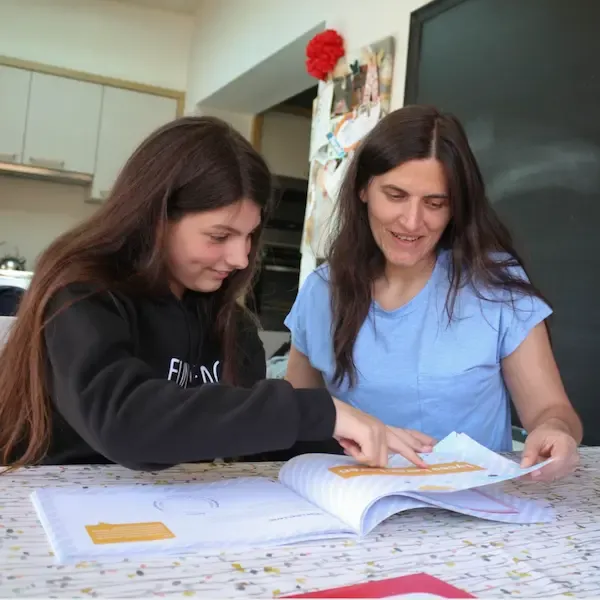
As a teacher, I always work from a practical perspective. I start with concrete exercises and realistic examples so that students learn step by step how to use Word optimally. I pay a lot of attention to working efficiently, keyboard shortcuts, automatic formatting, and functions that save a lot of time.
My guidance is fully tailored to the goals of the student. Beginners learn the basic skills in a calm and structured manner, while advanced users can delve into advanced document structures, merge documents, forms, automation, and professional reports.
My goal is not only to teach people how to work with Microsoft Word but especially to help them work more efficiently, accurately, and professionally. Thanks to my extensive experience as a teacher and trainer, I can explain complex functions simply and build the learning material step by step, so that every student can confidently create and manage documents independently.

 België / Belgique
 Nederland
 España